


Ads are placed in premiumUzbek-language video content
Brandformance helps brands stand out in the local media landscape, where audiences are already watching high-quality video content.
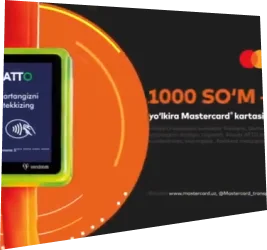
The ad is shown before the video starts—in the instream preroll format.





What preroll advertising looks likeand what results the advertiser sees
1 / 3: Ovoz - ZARNIGOR UMAROVA | YOMG'IR - KUMUSH RAZZOQOVA

Ovoz - ZARNIGOR UMAROVA | YOMG'IR - KUMUSH RAZZOQOVA
The Voice of Uzbekistan658 тыс. подписчиков


Why advertisersuse Brandformance
Access to a local audience
Brands can connect with Uzbek-speaking audiences through a relevant video environment.
Premium content environment
Advertising appears alongside high-quality content the audience already watches.
Placement control
Advertisers understand where their ads run and which content their brand appears alongside.
Measurable results
Campaigns are evaluated through clear KPIs: impressions, reach and frequency.
Direct operating model
Brandformance connects advertisers, video content and audiences through one managed platform.

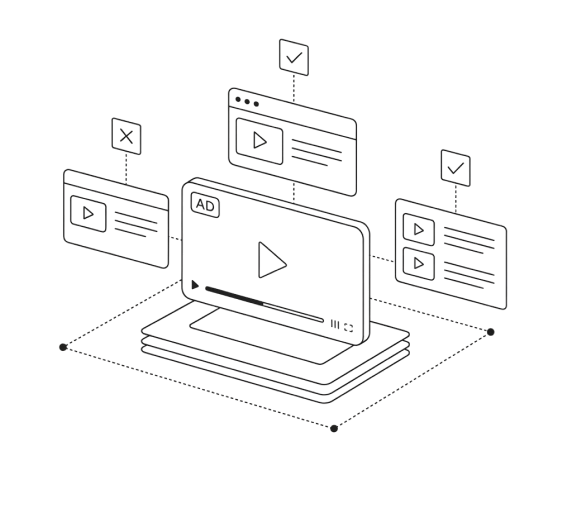



An interface formanaging video advertising
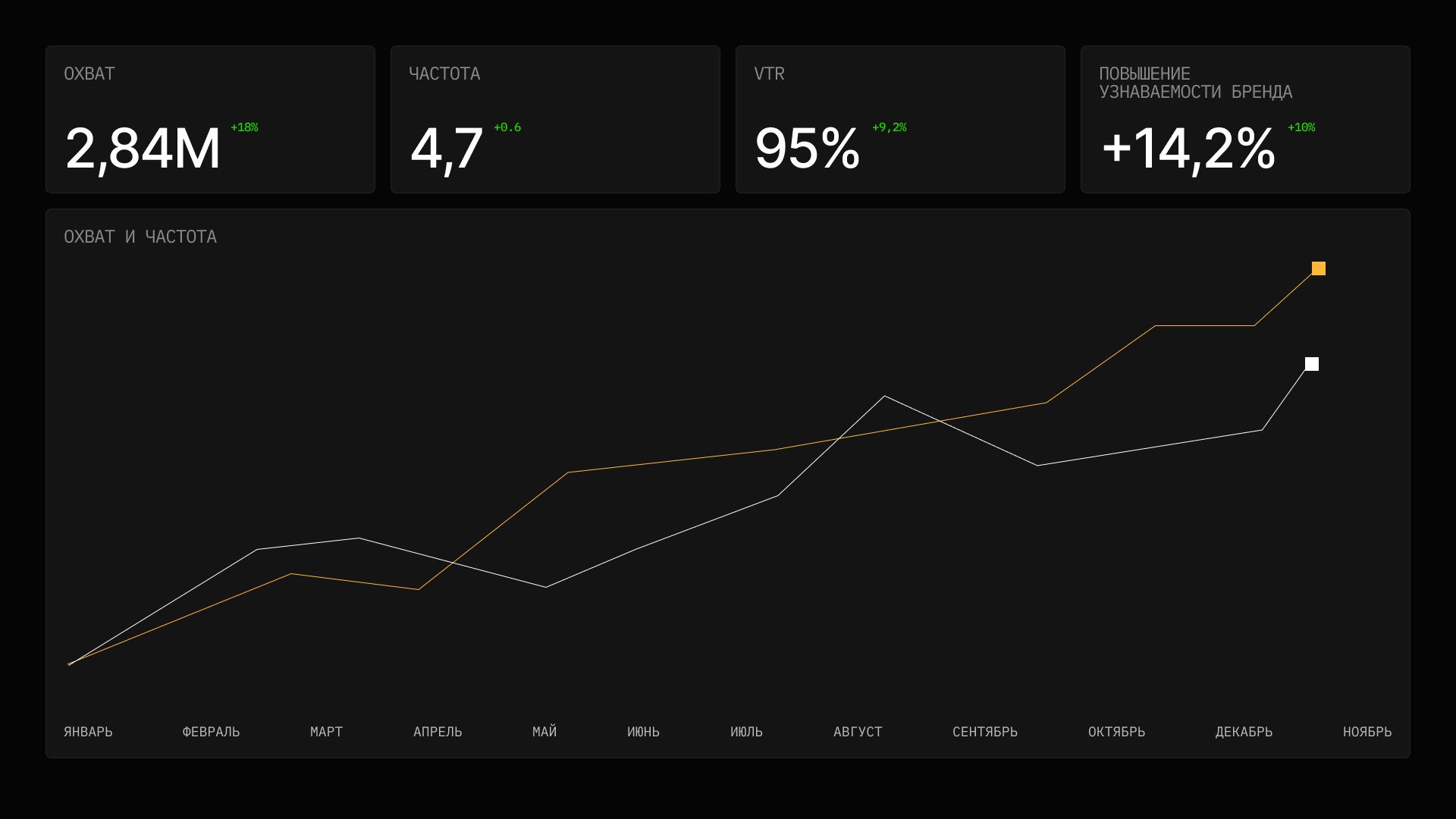
- Impressions2.84M+18%
- Reach1.2M+12%
- Frequency4.7+0.6
- StatusLIVE
Platform capabilities
The current account shows campaigns, their status, date, amount and an available report link. The screen above shows the direction planned for analytics.
- CampaignsA list of requests and selected packages.
- StatusesThe current campaign review and preparation stage.
- Date and amountThe request date and campaign amount appear in the list.
- ReportThe link appears after an operator adds the report.
- PaymentThe payment action appears after campaign approval.


How campaignsget launched
From choosing a package to a launch-ready preroll campaign — through a clear process.

- 01
Choose a package
The advertiser selects NON-TV, MIXED or TV and sees what the package includes.
- 02
Upload the video
Add a file, an approved link, or choose to send the video later.
- 03
Set campaign details
Provide contacts, budget, preferred date and additional placement settings.
- 04
Review and approval
The team reviews the video and settings and requests changes when needed.
- 05
Agree on payment and start date
After approval, a manager agrees the payment terms and start date. An operator confirms the start manually.
REPORTING DEMO
Review available campaign data in a clear report
After launch, an operator can add data from the available source to the report: impressions, reach and average frequency. Metric availability depends on the source.
Start campaign setupImpressions
The number of ad impressions reported by the stated source.
Reach
Unique reach, when the source provides it.
Frequency
Average contact frequency, when available from the source.
CAMPAIGN GEOGRAPHY
Target audience in the selected geography



All of Uzbekistan is selected by default. You can specify another geography and audience before submitting the request.
Placement availability and final reach depend on inventory and campaign settings.Frequently asked questions
What is Brandformance?

Brandformance is a platform for preparing and submitting an instream preroll video advertising placement request in premium Uzbek-language content.
Where will the advertising be placed?
Depending on the selected package, within available premium Uzbek-language video inventory across Smart TV, mobile devices and computers. Exact placements are agreed before launch.
What will I see in the interface demonstration?
The demo illustrates the planned direction of the analytics interface. The current account shows campaigns, the selected package, status, date and amount. Demo figures are not actual campaign data.
Which KPIs can be tracked?
Impressions and, when provided by the source, unique reach and average frequency. An operator adds the available data; there is no automatic live update.
How are ad impressions different from content views?
An ad impression is an ad-display event reported by the available source. A content view is a view of the main video or programme. They are separate metrics.
Is Brandformance suitable for large brands?
The platform can support pilots and campaigns for large brands when the available inventory and terms fit the brief. KPI scope, timing and commercial terms are agreed separately.
Can campaigns be launched through an agency?
Yes. An agency can submit from its own account and identify the client brand in the campaign parameters or comment. There is no dedicated agency multi-account yet; access remains with the account that created the campaign.





Start preparing a campaign with Brandformance
Choose a test package, add your video and campaign details. After submission, the team reviews the request; advertising does not start automatically.